
Fixing Buffering and Streaming Issues
Streaming platforms have become an important part of entertainment and education. Millions of users watch movies, TV shows, sports, and live events every day using online streaming services. However, buffering and streaming issues can interrupt the viewing experience and cause frustration. These problems usually occur because of slow internet speed, outdated applications, overloaded servers, or device-related issues. Understanding the common causes and solutions can help users enjoy smooth and uninterrupted streaming. This article explains how to fix buffering and streaming problems on some of the most popular platforms such as Netflix, YouTube, Disney+, Amazon Prime Video, and Hotstar.
Fixing Buffering Issues on Netflix
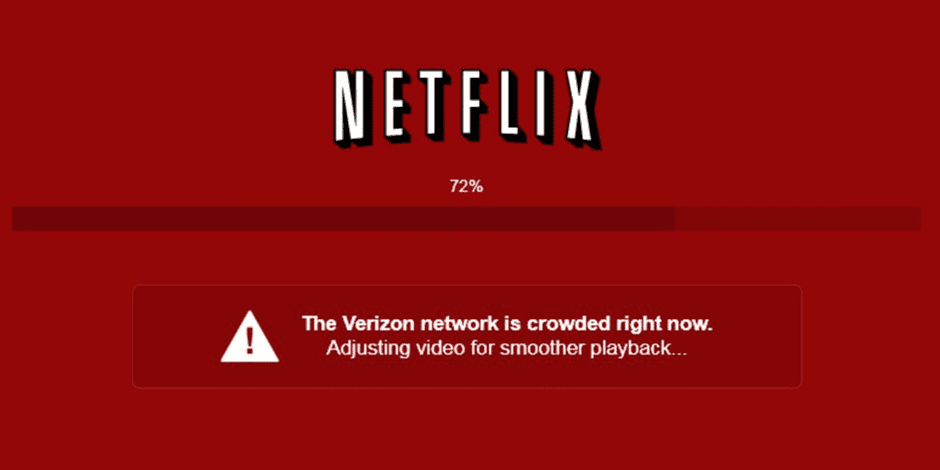
Netflix is one of the world’s most widely used streaming services. Users may sometimes face buffering, low video quality, or playback interruptions while watching content. The first step to solving these issues is checking the internet connection. Netflix recommends a minimum speed of 5 Mbps for HD streaming and 15 Mbps for 4K streaming. Restarting the Wi-Fi router often helps improve connection stability. Another effective solution is reducing the number of devices connected to the same network because multiple users can slow down internet speed. Clearing the Netflix app cache or updating the application to the latest version can also solve playback problems. If buffering continues, users can lower the streaming quality from the playback settings to reduce internet usage.
Another effective solution is reducing the number of devices connected to the same network because multiple users can slow down internet speed. Clearing the Netflix app cache or updating the application to the latest version can also solve playback problems. If buffering continues, users can lower the streaming quality from the playback settings to reduce internet usage.
Solving Streaming Problems on YouTube
YouTube users commonly experience buffering during videos, especially while watching high-resolution content like 1080p or 4K videos. One simple fix is pausing the video for a few seconds to allow buffering before playback begins. Users should also check whether other downloads or online games are consuming bandwidth in the background.
Keeping the browser or YouTube app updated improves performance and compatibility. Clearing browser cookies and cache may also fix loading issues. Sometimes, changing the video resolution from 4K to 720p or 480p helps videos play smoothly on slower internet connections. Restarting the device or switching to another browser can also solve temporary glitches.
Fixing Disney+ Streaming Issues
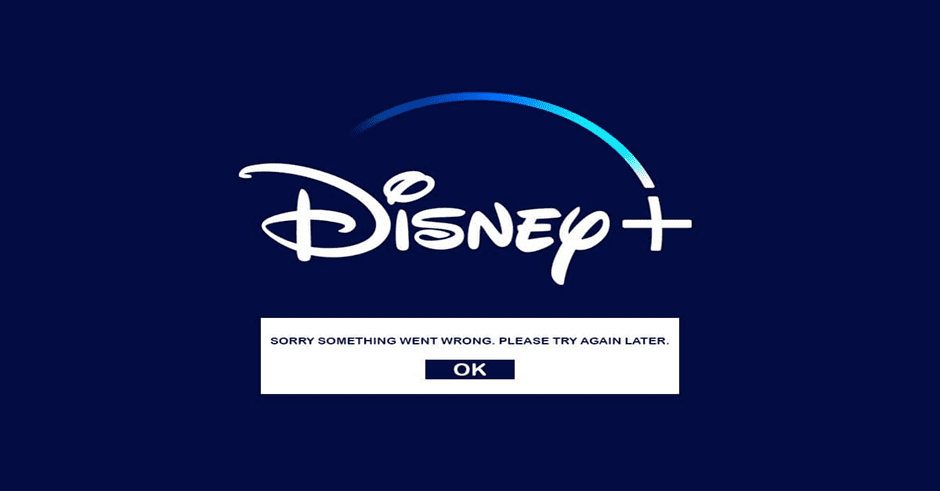
Disney+ offers movies and shows from Disney, Marvel, Pixar, and Star Wars, but users may occasionally face freezing screens or endless buffering. A common reason is server overload during the release of popular shows. In such cases, waiting a few minutes and trying again may help.
Users should ensure that the Disney+ app is updated regularly because outdated versions may contain bugs. Restarting the smart TV, mobile phone, or streaming device can refresh the system and improve performance. If the issue is related to Wi-Fi, moving closer to the router or using a wired Ethernet connection may provide a more stable streaming experience. Logging out and logging back into the Disney+ account can also resolve account-related playback errors.
Resolving Buffering on Amazon Prime Video
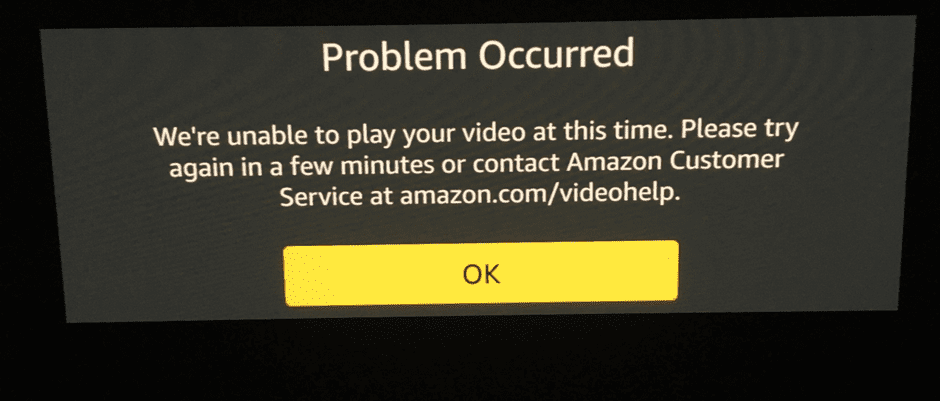
Amazon Prime Video users sometimes experience slow loading, audio delays, or poor video quality. Restarting the Prime Video app is often the quickest solution. Users should also check if Amazon’s servers are functioning properly because service outages can temporarily affect streaming. Updating the operating system of the streaming device helps maintain compatibility with the latest app features. Clearing app data and cache can remove corrupted temporary files that may cause buffering. Another useful method is reducing video quality settings if internet speed is limited. Disconnecting and reconnecting to Wi-Fi may also refresh the network connection and improve streaming performance.
Fixing Streaming Problems on Hotstar
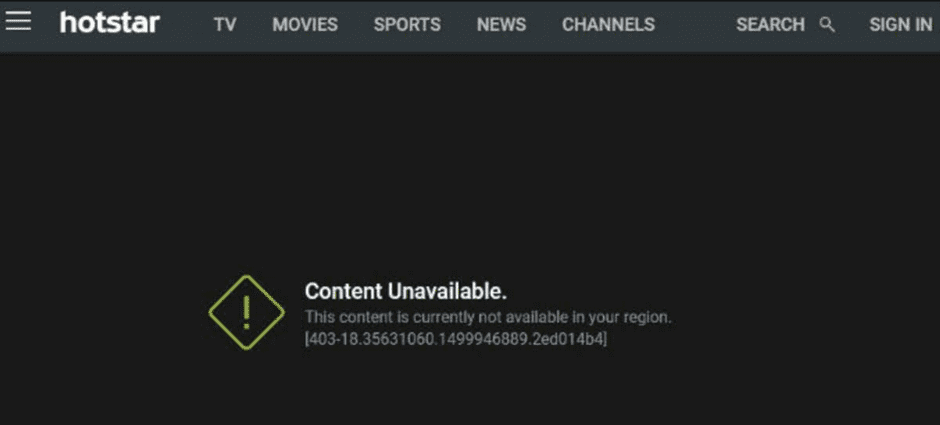
Hotstar is popular for streaming movies, TV serials, and live sports events. During major cricket matches or live events, buffering may occur because many users access the platform at the same time. To reduce buffering, users should close unnecessary applications running in the background and ensure sufficient device storage is available.
Refreshing the app, clearing cache files, or reinstalling the Hotstar application often fixes playback problems. Using mobile data instead of unstable Wi-Fi may sometimes improve streaming quality. Users should also avoid using VPN services because they can slow down connection speed and affect streaming performance.
General Tips to Improve Streaming Performance
There are several common methods that work for almost every streaming platform. Restarting the internet router regularly can improve network performance. Keeping apps, browsers, and operating systems updated ensures better compatibility and security. Using a high-speed broadband connection with sufficient bandwidth is important for uninterrupted streaming.
Placing the router in an open location without obstacles can strengthen Wi-Fi signals. Users should also scan devices for malware because malicious software may slow down internet speed. If buffering problems occur frequently, upgrading the internet plan may be necessary for better streaming quality.
Conclusion
Buffering and streaming issues can affect the enjoyment of online entertainment, but most problems can be fixed using simple troubleshooting methods. Platforms like Netflix, YouTube, Disney+, Amazon Prime Video, and Hotstar may experience playback interruptions due to internet speed, outdated apps, or device issues. By following the correct solutions such as updating applications, clearing cache, checking internet speed, and optimizing network usage, users can enjoy smooth and uninterrupted streaming experiences. Proper maintenance of devices and internet connections plays an important role in improving overall streaming performance.
Also read the Hidden gems on prime video India
Also read the 9 Brutal Action Thriller Movies on OTT That Go Hard From Start to Finish (2026)
For more Info, Please Visit the Netflix , Zee 5, Prime Video